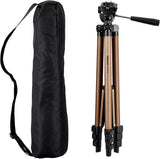
Amazon Basics Aluminum Tripod with Quick-Release Plate – Efficient Tool for Small Business Shoots and Home Studios
Amazon Basics Aluminum Tripod with Quick-Release Plate – Efficient Tool for Small Business Shoots and Home Studios
Couldn't load pickup availability
Why you'll love it
- Amazon Basics value pricing makes it an affordable entry point for beginners not ready to invest in pro gear
- weighs only 1.23 lbs and folds to under 17 inches, fitting easily in a backpack or carry-on for travel
- quick-release plate and lever-lock legs let users set up and break down in seconds, so they never miss a shot
- bundled zippered storage bag protects the tripod and keeps accessories together on the go
- available with a Bluetooth remote and phone holder, turning it into a complete smartphone creator kit without buying extras
- 60-inch variant accommodates taller users who need eye-level framing without bending or crouching
Perfect for
- stabilized travel and landscape photography on hiking and camping trips
- self-portraits, group photos, and hands-free video calls at home or outdoors
- smartphone vlogging, TikTok/Reels content, and YouTube recording (with Phone Holder variant)
- product photography for small online sellers and resellers
- live streaming and remote work video conferencing
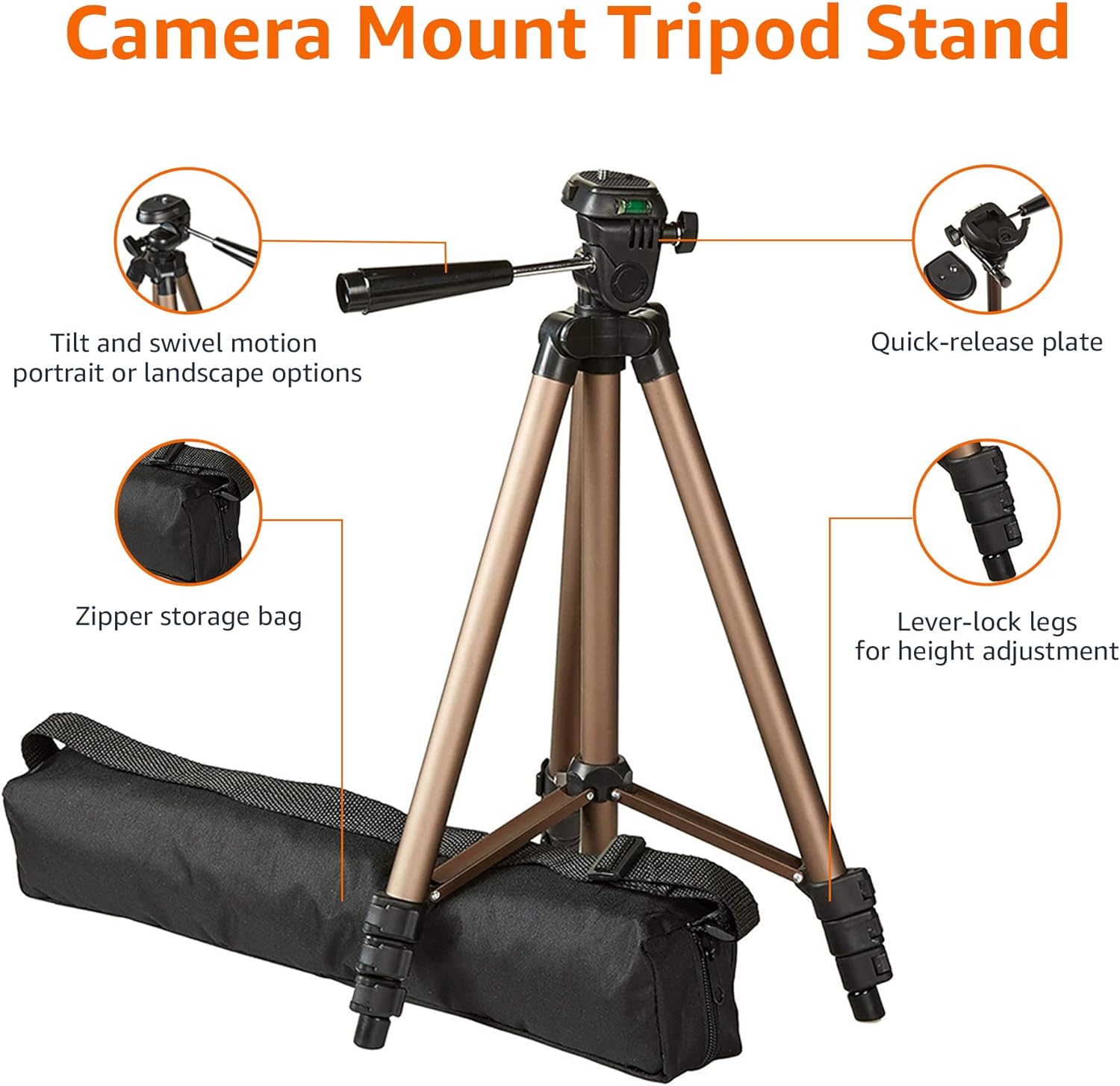
Camera mount tripod stand with zippered storage bag
Adjustable height from 16.1inch to 50inch with 3-section,lever-lock legs for simple adjustments
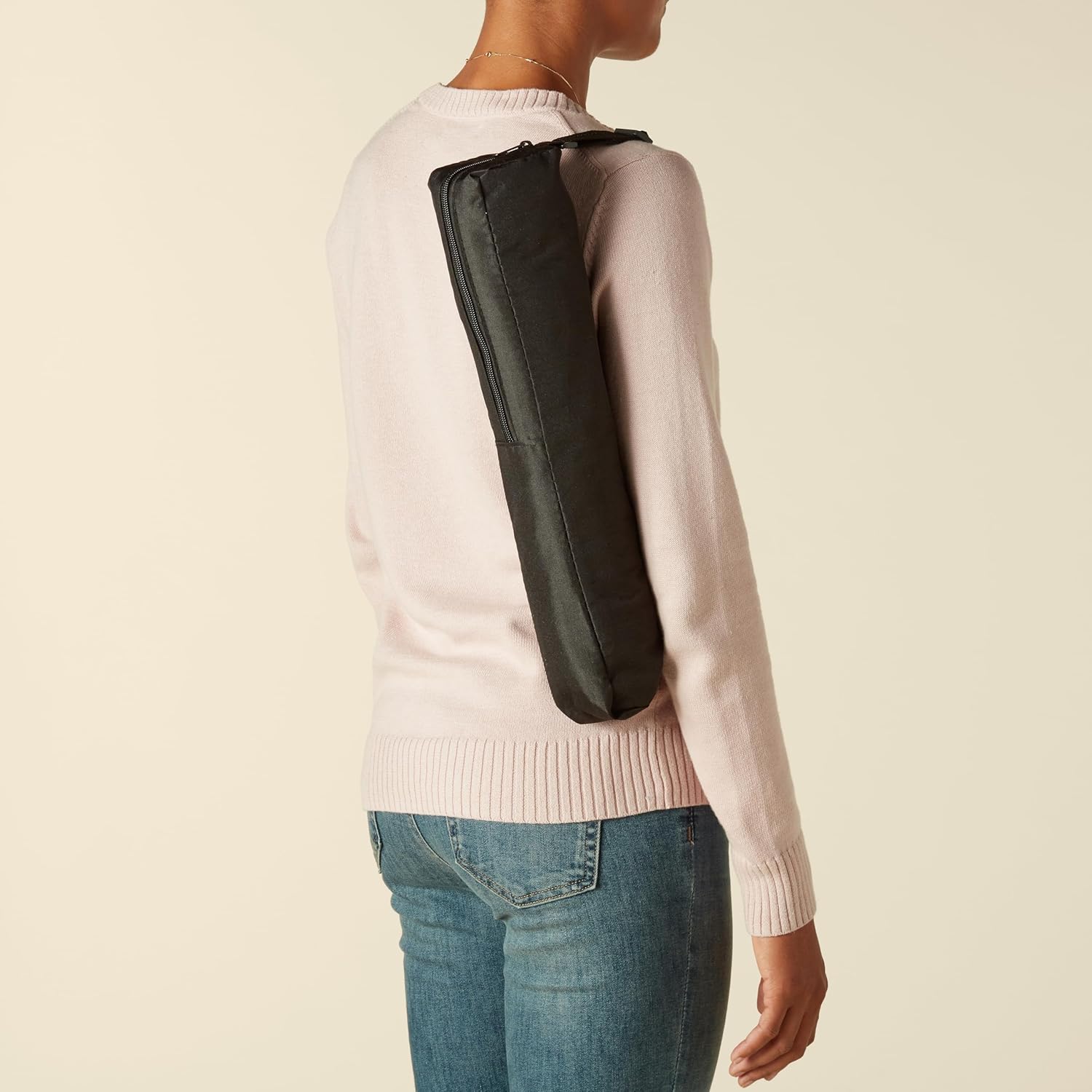
Folds down quickly and made of lightweight aluminum; It weighs only 1.23 lbs, lightweight and portable, easy to carry for travel, hiking, camping, etc
3-way head allows for tilt and swivel motion; portrait or landscape options; Built in Bubble Level, fast and accurate positioning
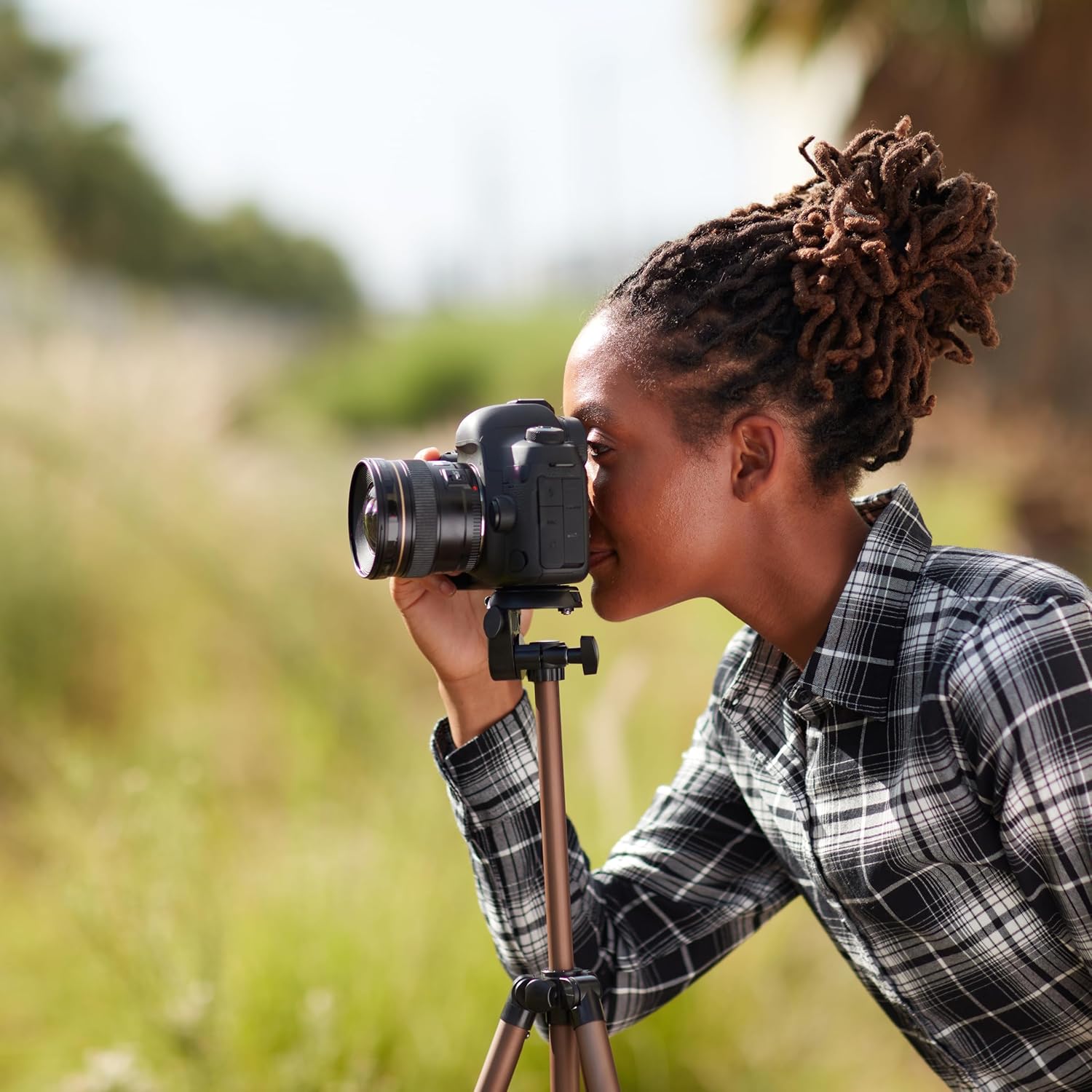
Quick-release plate helps ensure fast transitions between shots
Product Dimensions: 3.2 x 3.2 x 16.7 inches (LxWxH, collapsed); extends up to 50 inches high
Note: Not recommended for use with heavy, high-end DSLR cameras, cameras with long lenses and large telescopes; total equipment weight should not exceed 4.4 pounds
Frequently Asked Questions
Can I use this tripod for stable video calls on Zoom and Microsoft Teams?
Yes, the tripod works well for video conferencing because it holds your camera or phone at eye level, which is the most flattering angle for professional calls. The Bluetooth remote variant also lets you start and stop calls without touching the screen.
Is this tripod good for live streaming from a home office?
Absolutely. The 50-inch height allows you to position the camera at eye level for a clean streaming setup, and the pan-and-tilt head lets you adjust framing between sitting and standing positions without moving the entire tripod.
Can I use it for product photography for my small online shop?
Yes, the quick-release plate makes it easy to shoot the same product from multiple angles quickly, and the bubble level keeps the horizon straight for professional-looking listings. Many resellers start with this exact tripod before upgrading to studio gear.
Does it work for recording online courses and tutorials?
It is a popular choice for educators and course creators because the height adjusts from 16.1 to 50 inches, the pan-tilt head supports overhead or eye-level shots, and the Bluetooth remote allows hands-free start and stop.
Is this tripod a good fit for podcasters filming video episodes?
Yes, the tripod holds smartphones and small cameras at the right height for sit-down video podcasting, and the quick-release plate allows fast swaps between wide and tight angles during a single recording session.
Can I use it for YouTube recording without buying a separate stand?
The variant with the phone holder and Bluetooth remote is essentially a complete YouTube starter kit. The 50-inch height is enough for sit-down talking head videos, and the pan-tilt head makes B-roll framing easy.
Will the tripod be stable on a desk for overhead content?
The 50-inch maximum height is more than enough to position the camera above a desk for overhead product or tutorial shots. The 3-way pan-tilt head also supports downward tilting for true overhead angles.
How does this tripod help small business owners who sell online?
Consistent camera angles and straight horizons make product listings look more trustworthy, and a tripod allows sellers to shoot hands-free, which is especially helpful for clothing, jewelry, and food photography at home.
How does it compare to a full photography studio setup?
A full studio setup includes backdrops, lighting, and heavier stands that cost hundreds of dollars. For sellers just starting out, this tripod delivers professional stability and framing at a fraction of the price.
How does it compare to a flexible smartphone holder for productivity?
Flexible holders are convenient but rarely tall enough for proper eye-level video calls and limit you to desk-level angles. This tripod gives you adjustable height and proper pan-tilt control, which makes a real difference in call quality.
How does it compare to a webcam stand for video conferencing?
A webcam stand only works with a webcam and offers limited height adjustment. This tripod supports smartphones, mirrorless cameras, and DSLRs, giving you flexibility to upgrade your conferencing setup over time without buying a new stand.
What if my desk is small and I cannot fit a tripod on it?
You can place the tripod on the floor next to your desk and extend it to the height you need, or fold it down to its lowest 16.1-inch setting for tight desk setups. The compact folded size makes it easy to store when not in use.
Will the Bluetooth remote work with all video conferencing apps?
The remote is compatible with most iOS and Android devices and works with default camera apps and many streaming and conferencing applications. For apps with restrictions, you can typically use the remote as a basic shutter trigger.
Can I keep my laptop on a separate tripod and use this one just for the phone?
Yes, many remote workers use this tripod exclusively for their smartphone camera during video calls, which often produces a sharper image than a built-in laptop webcam.
Is the setup process slow for someone who needs to take frequent calls?
Once you have the tripod positioned, you can leave it set up between calls. The quick-release plate means you can attach and remove your phone or camera in seconds, which fits easily into a busy workday.
Can I use this tripod for recording webinars without assistance?
Yes, that is one of the most common use cases. The Bluetooth remote lets you start and stop recording, the bubble level keeps the frame straight, and the height adjustment lets you switch between seated and standing segments with one tripod.
How do I set up the Amazon Basics tripod for the first time?
Extend the three legs using the lever locks, attach the quick-release plate to your camera, slide the plate into the head until it clicks, then adjust the pan-tilt knob to set your framing. The entire process usually takes under a minute.
How do I adjust the height and angle for different types of shots?
Open the lever locks on each leg to extend or shorten the sections to your desired height, then use the pan-tilt head knob to tilt up, down, left, or right. The head also rotates 90 degrees for portrait orientation.
How do I switch between landscape and portrait orientation?
Loosen the pan-tilt knob, rotate the head 90 degrees until the camera is in portrait orientation, then retighten the knob. This is useful for vertical video on TikTok, Instagram Reels, and portrait photography.
Will this tripod work with my DSLR, mirrorless, or point-and-shoot camera?
Yes, the tripod includes a standard quick-release plate that is compatible with most consumer DSLR, mirrorless, and point-and-shoot cameras. As long as your camera has a tripod socket, it will mount securely.
Does it work with all smartphones, including larger models like the iPhone Pro Max?
The phone holder variant fits most smartphones between approximately 2.2 and 3.7 inches wide, which covers nearly every modern iPhone and Android model, including the largest Pro Max and Ultra variants.
What is included in the box?
The tripod comes with the aluminum tripod body, a quick-release plate, and a zippered carrying bag. Variants with the Bluetooth remote and phone holder include those accessories in the box as well.
Is the tripod durable enough for regular travel use?
Yes, the aluminum construction is designed to handle the wear and tear of travel. The lever locks are built to last, and the included carrying bag protects the tripod from scratches and dust inside your luggage.
How much weight can the tripod support?
The tripod is designed to securely support most consumer cameras and smartphones, including entry-level DSLRs, mirrorless bodies, and phones with cases. It is not intended for heavy professional cinema rigs.
What is the difference between a tripod and a monopod?
A tripod has three legs and stands on its own, while a monopod has one leg and must be held. A tripod is ideal for hands-free shooting, longer exposures, and self-recording, while a monopod is more portable for fast-paced event work.